





06-14-2024, 11:27 AM
1. Open the Unity file with Asset Studio.
2. Export the texture to .Png, and export .Skel and .Atlas to .txt files. Remove the ".txt" endings from those files.
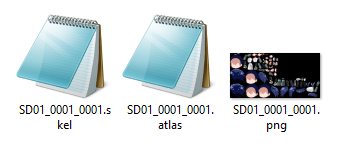
3. Download Spine Viewer WPF if you do not have Spine (which you probably don't because that program is expensive) - https://github.com/kiletw/SpineViewerWPF
4. Open the program, click file and "Open Spine", select the ".Atlas" file which should automatically load everything else.
5. Boom! You should look at the Github for the program hot keys.
2. Export the texture to .Png, and export .Skel and .Atlas to .txt files. Remove the ".txt" endings from those files.
3. Download Spine Viewer WPF if you do not have Spine (which you probably don't because that program is expensive) - https://github.com/kiletw/SpineViewerWPF
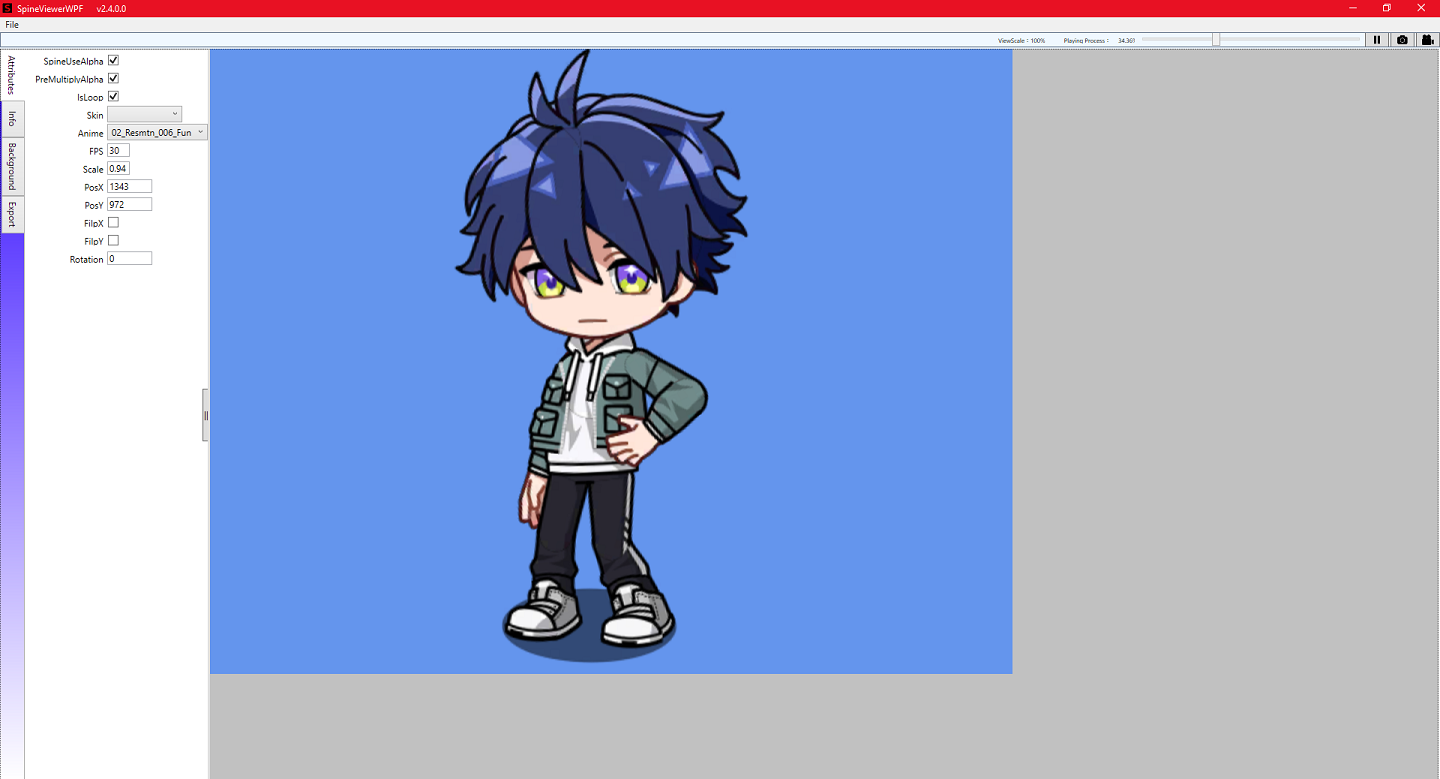
4. Open the program, click file and "Open Spine", select the ".Atlas" file which should automatically load everything else.
5. Boom! You should look at the Github for the program hot keys.